What a click track is
A click track is a metronome programmed for one show. It follows every tempo change in the score, counts the band in, and plays only in the players’ headphones.
On its own, a click keeps a band steady. Its real job is tying live players to anything recorded: a synth pad, a string line you don’t have players for, a sound effect that has to land on beat three. Recorded parts can’t follow a conductor, so the conductor and the pit follow the click.
Does your show need one?
If every note is played live and the whole pit can see the podium, probably not. A good conductor and an attentive drummer will keep it together.
You likely need one when:
- the show uses recorded tracks that have to line up with live players
- part of the band plays from another room, or can’t see the conductor
- sound cues have to land on a beat
How the pieces fit together
- Logic Pro
- MainStage
- QLab
- Dante
I build the tempo map in Logic Pro, bar by bar from the score, with the count-ins and every tempo change written in. Anywhere the music waits, like a vamp under dialogue or a long fermata, I split the track so the next section starts on a cue instead of on a timer. Recorded parts sit on tracks locked to that same map.
Then someone has to press go. MainStage suits a show where a keyboard player fires the click and backing tracks from the pit. QLab suits one where the sound operator should own those cues, next to the rest of the show’s sound. I set up whichever fits your team.
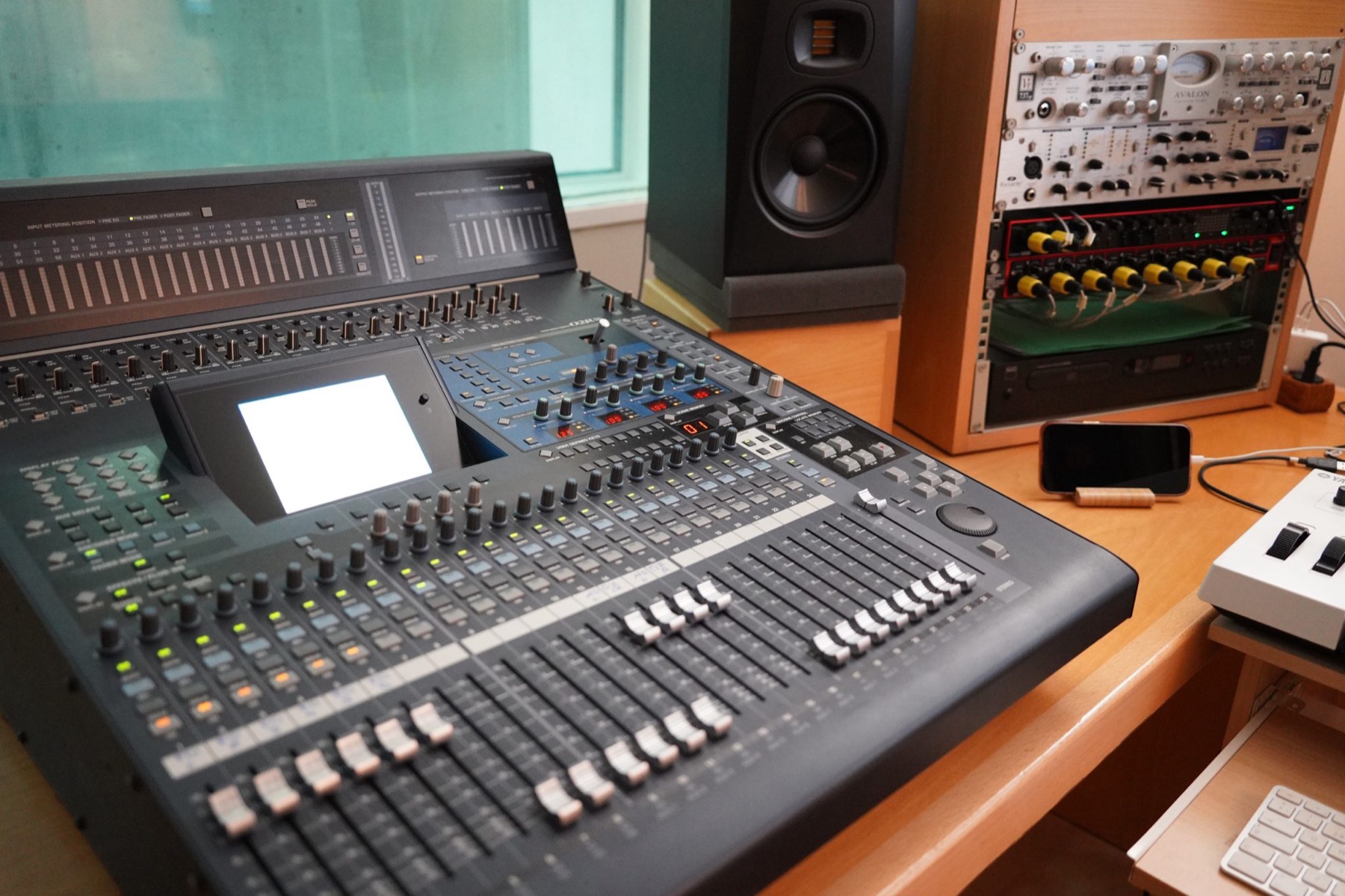
Last, the click has to reach the people who need it. Dante carries audio over a standard network cable, so one run can move the click, the tracks and the band’s monitor mix between the pit and the booth. Players get the click in their headphones. The tracks go to the house mix, and the click never does.
Start early
Get the click into rehearsals as soon as you can. Singers learn the tempos from it, and the pit learns where it waits. Tech week is a bad time to find out a vamp is two bars short.
What to send me
- the show, which orchestration you’re using, and your rehearsal and performance dates
- your pit: how many players, and which parts are covered live
- the gear you already have in the pit and the booth
- if your sound team needs session files, their DAW and format, and when they need them
The musicals I’ve conducted or played are on my repertoire page. If you’re also looking for someone on the podium, see guest conducting.